Setting Up ACH Donations
Last updated: September 17, 2026
We understand that choosing the right donation method is important. To make the process as easy as possible, we offer two ways to set up ACH donations: connecting through Plaid or entering your bank details manually.

Connecting Your Bank Account with Plaid
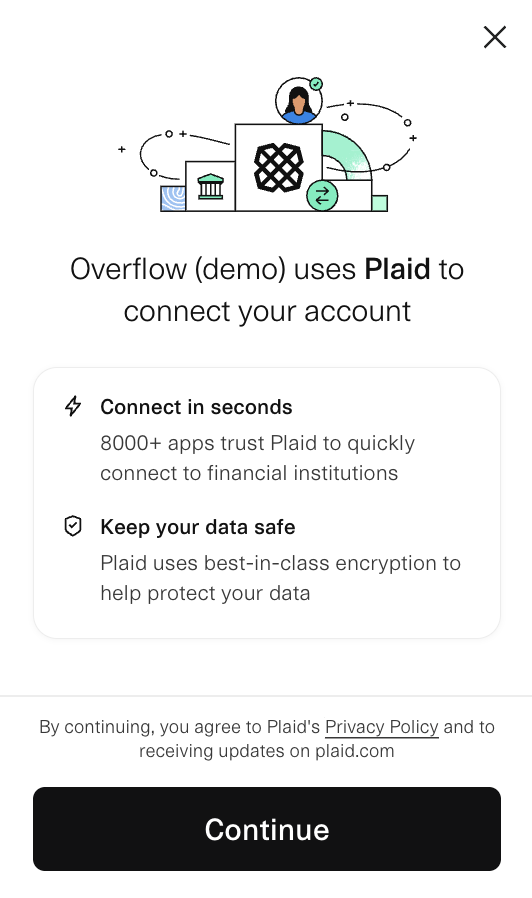
Plaid is a secure, widely-used service that allows you to connect your bank account quickly and safely.
🔗 End User Privacy Policy | The Safeguards Behind Plaid
- Click on the Bank Account button.
- Enter your phone number to sign into Plaid, or click Continue as Guest to bypass this option.
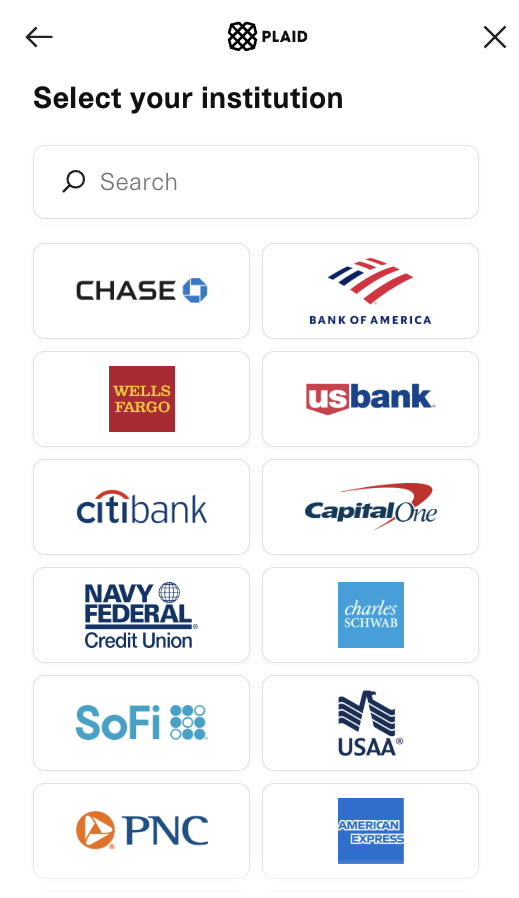
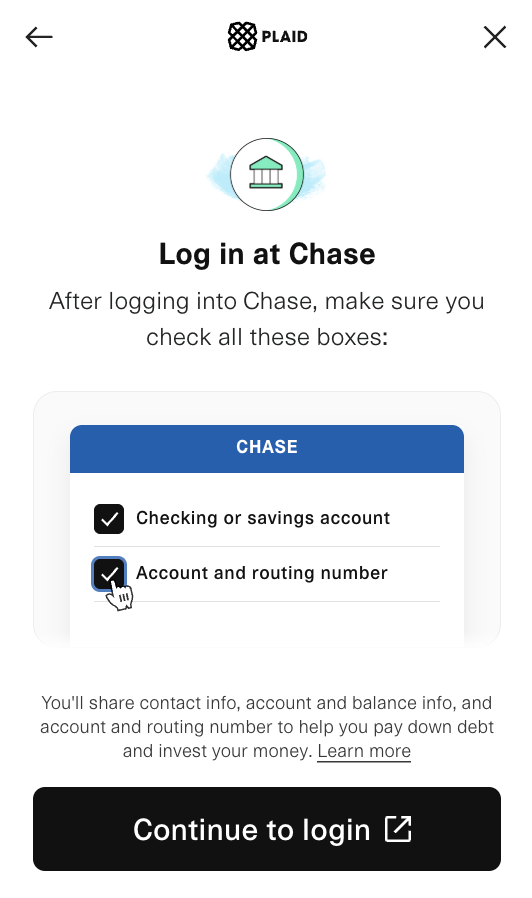
- Follow the prompts to select your bank and log in to link your account. (For more details, view the full walkthrough here.)
Why Don’t the Last 4 Digits of My Payment Method Match?
- 🧾 The last 4 digits on your confirmation receipt might show a Virtual Account Number (VAN) rather than the last 4 digits of your actual bank account number.
- 🏦 This can also happen with any bank account numbers saved in your Donor Profile.
Entering Your Bank Details Manually
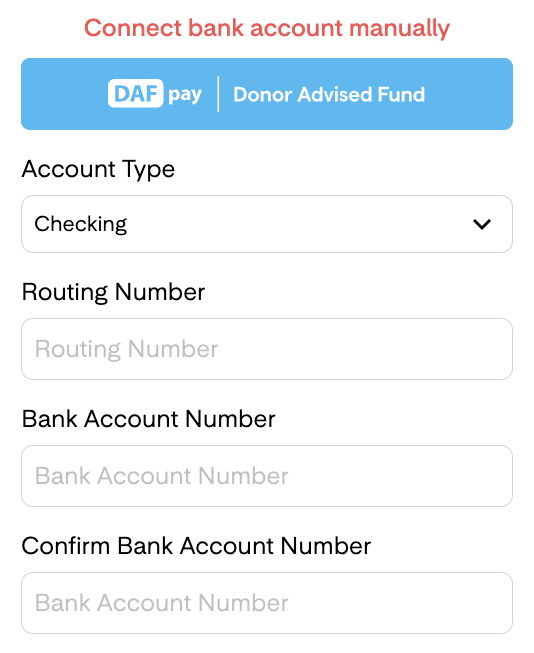
We understand that not everyone feels comfortable connecting their bank account through Plaid. That’s why we offer the manual entry option as an alternative, allowing you to securely enter your information without linking your account directly.
To access this option:
- 🏦 Click on the “Bank Account” button.
- ❌ When prompted to connect via Plaid, close the Plaid pop-up window.
- 🔍 You'll now see the "Connect Bank Account Manually" option.
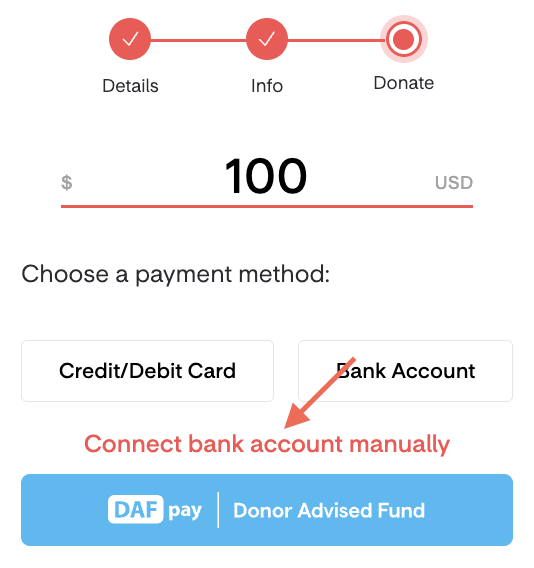
- 📝 Click on it to choose your account type and enter your routing and bank account numbers..